How to convert mods to be compatible with Unique Tav
Guide by Maze (Edited by Meowcat285)
Note
This guide specifically covers CovenElf’s makeup/tattoo collection
Step 1: Download the CovenElf’s makeup/tattoo collection
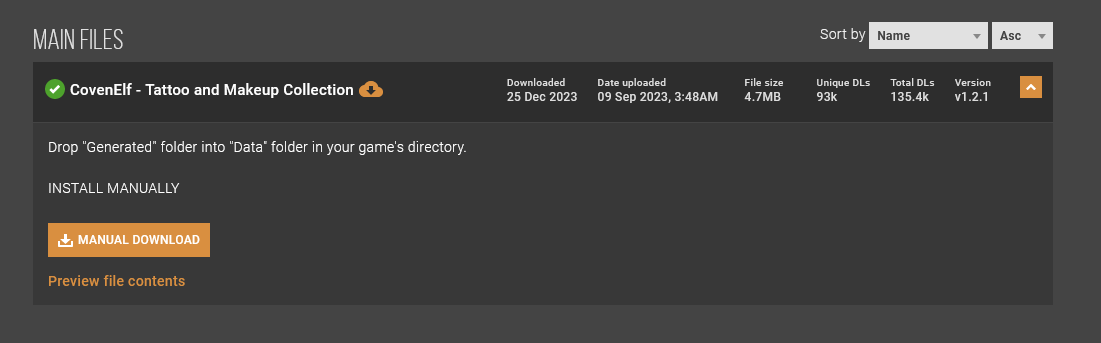
Go ahead and download CovenElf’s makeup/tattoo collection
Note
You can also download just makeup or just tattos, the process is the same with other mods as well
Step 2: Extract the rar file
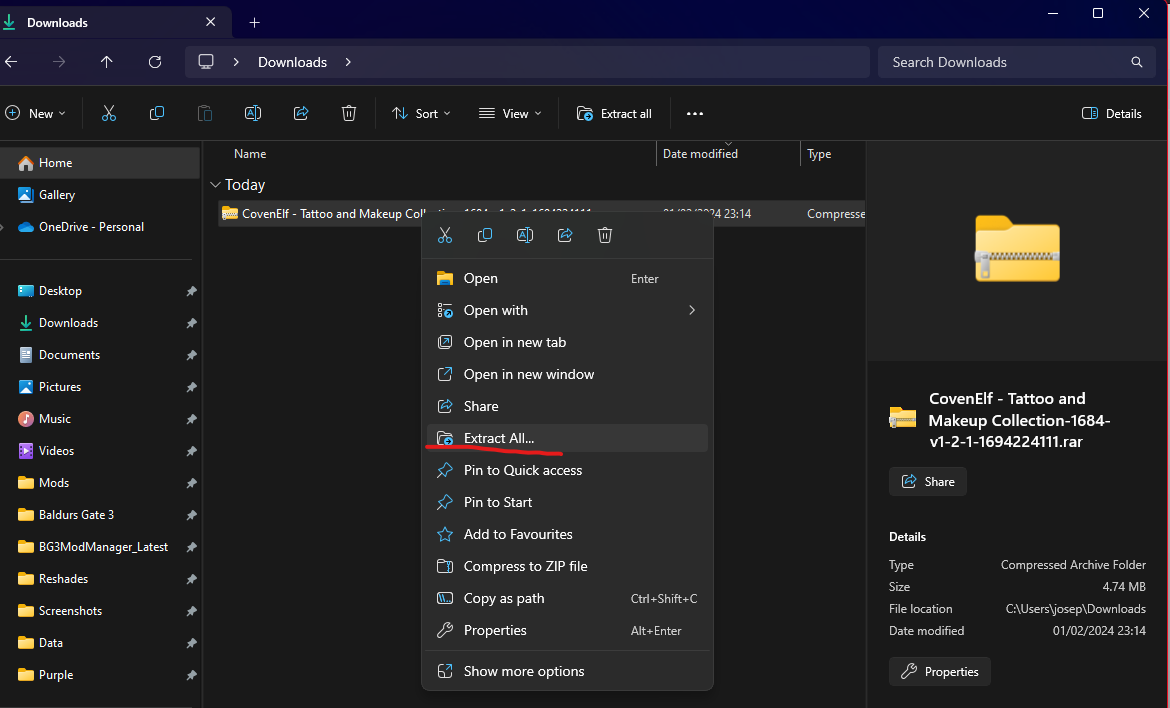
Right click on the rar file in File Explorer and select extract all
Step 3: Convert the mod
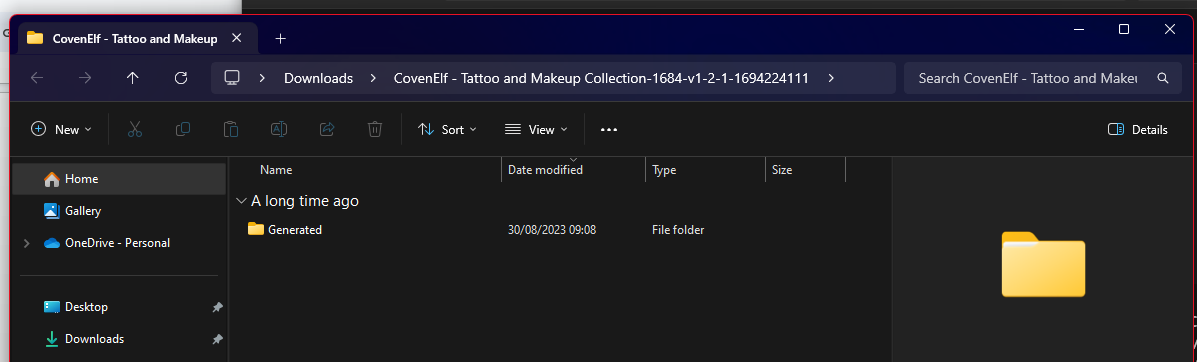
Now open the extracted folder.
Warning
Do not put the generated folder inside the data folder yet, go through the guide first
Open the generated folder and go all the way down in the folders until you see this:
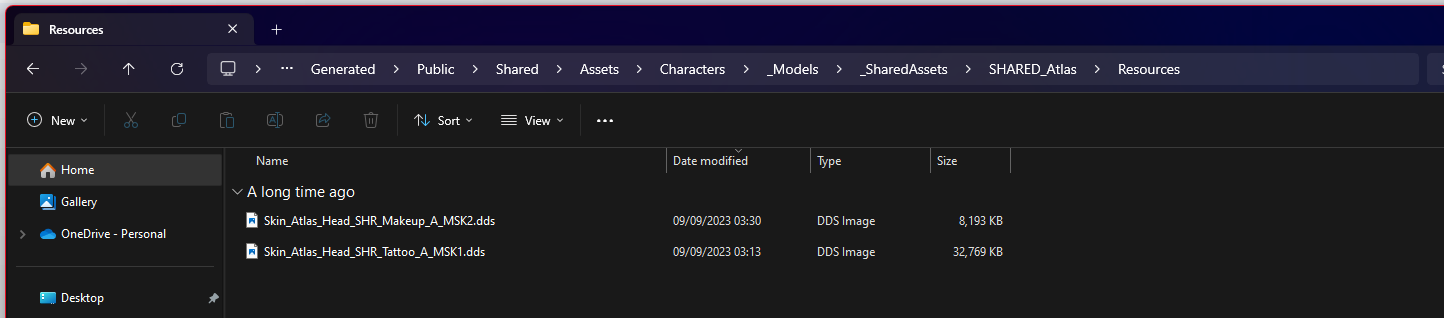
Now open your data folder in another file explorer window:
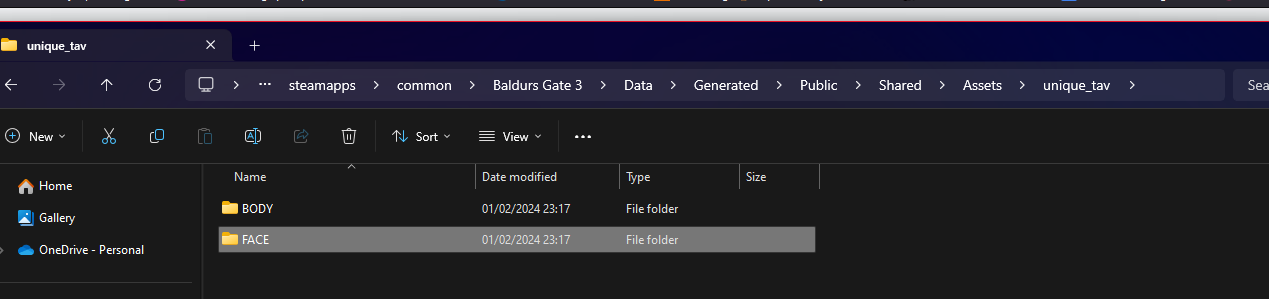
Now open the generated folder, and find the folder named FACE
Path: Data\Generated\Public\Shared\Assets\unique_tav
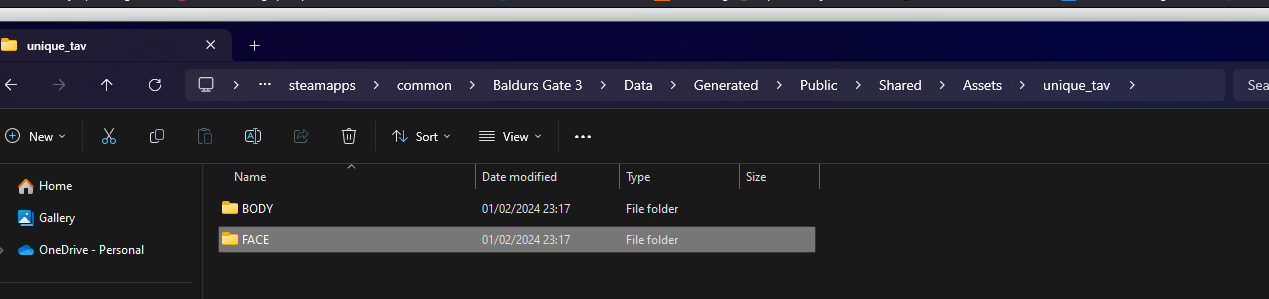
Open the folder named FACE
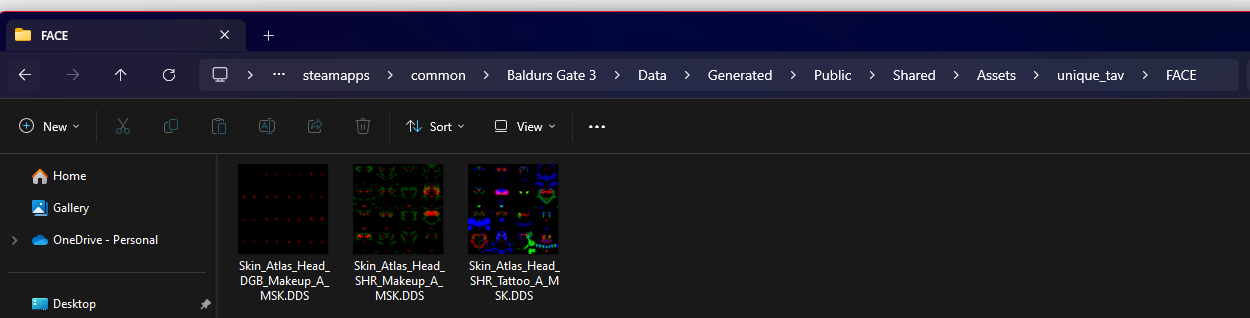
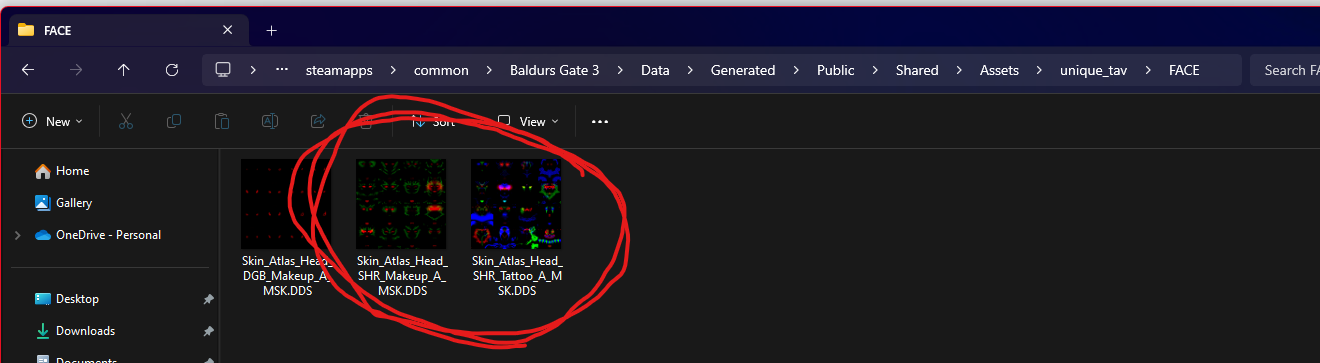
You will see these 3 files. Take these two files:
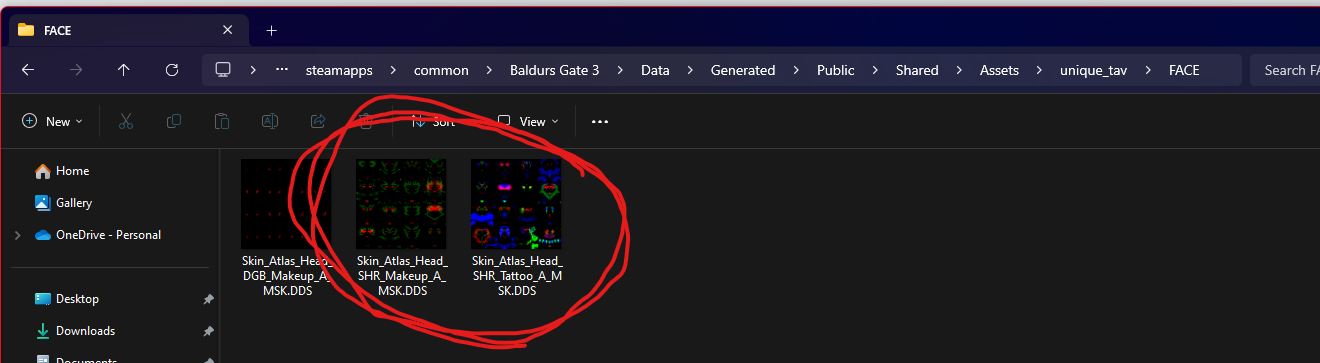
Note down their names. For reference, I will copy them here as well
Unique Tav Face Tattoo: Skin_Atlas_Head_SHR_Tattoo_A_MSK.DDS
Unique tav Make up: Skin_Atlas_Head_SHR_Makeup_A_MSK.DDS
Now go to the CovenElf folder with the files, and rename the respective files to the Unique Tav version of the files:
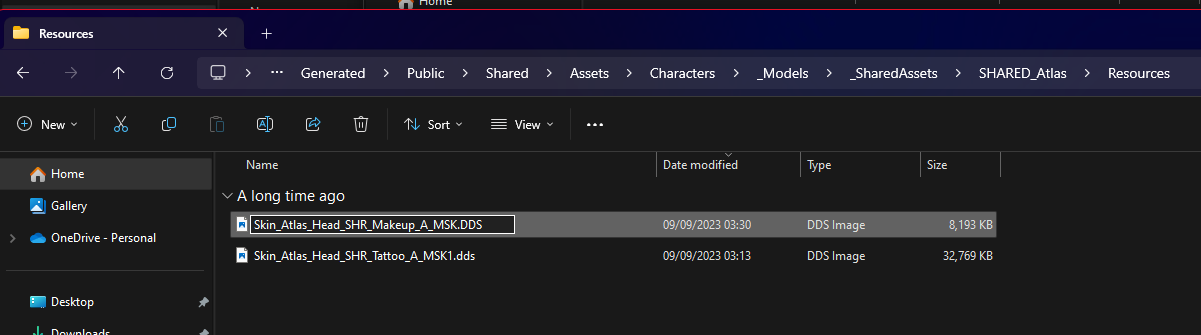
This is here the file extension comes into play: you need to rename the last .dds on the CovenElf files to .DDS
CovenElf face tattoo: Skin_Atlas_Head_SHR_Tattoo_A_MSK1.dds needs to be renamed to: Skin_Atlas_Head_SHR_Tattoo_A_MSK.DDS
CovenElf makeup: Skin_Atlas_Head_SHR_Makeup_A_MSK2.dds needs to be renamed to: Skin_Atlas_Head_SHR_Makeup_A_MSK.DDS
When you have done that you can now go back into the game data folder, and then the FACE folder in unique tav and delete these two files:
When you have deleted the Unique Tav files, you then drag the renamed files from CovenElf into the Unique Tav FACE folder:
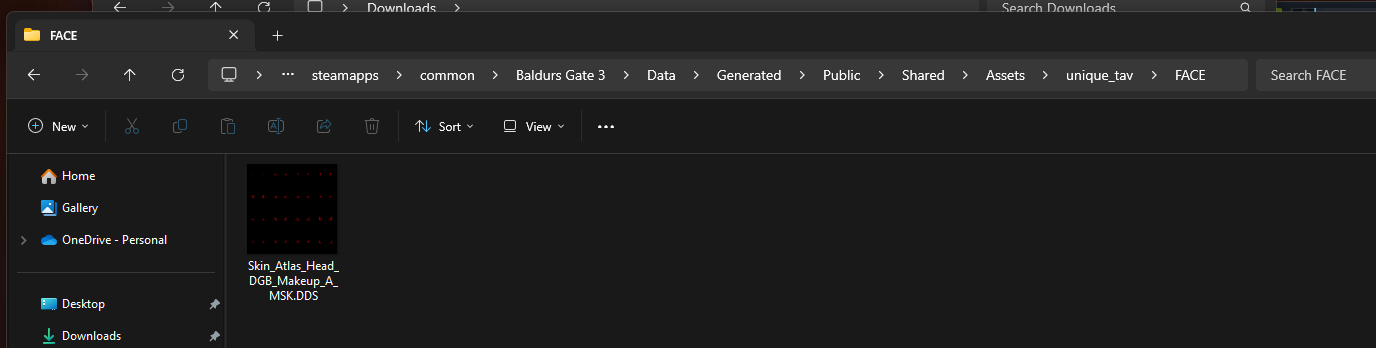
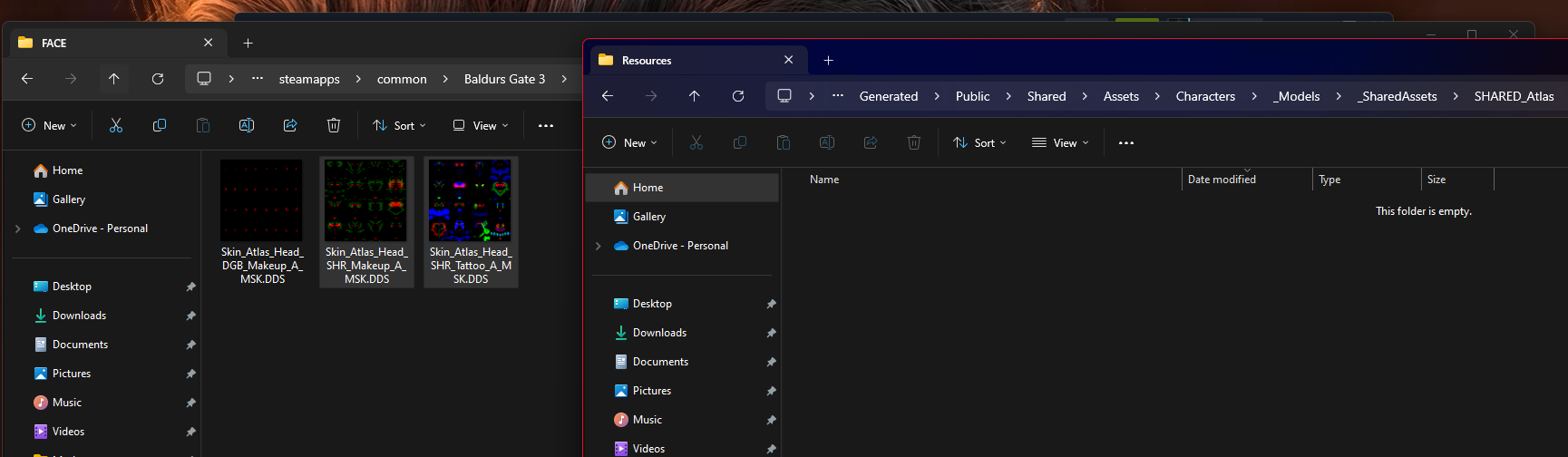
When you have done that, you have now installed CovenElf’s or any other makeup or face tattoo correctly and they should work!
Part 4: Boring Tieflings
For mods like Boring Tieflings, the process is very similar, you have to find the Unique Tav equivalent of the Boring Tiefling files and rename Boring Tieflings to Unique Tav files, and replace the files!
Tip
On the Boring Tieflings Nexus download page, you can go under preview files and from there you can see the path.
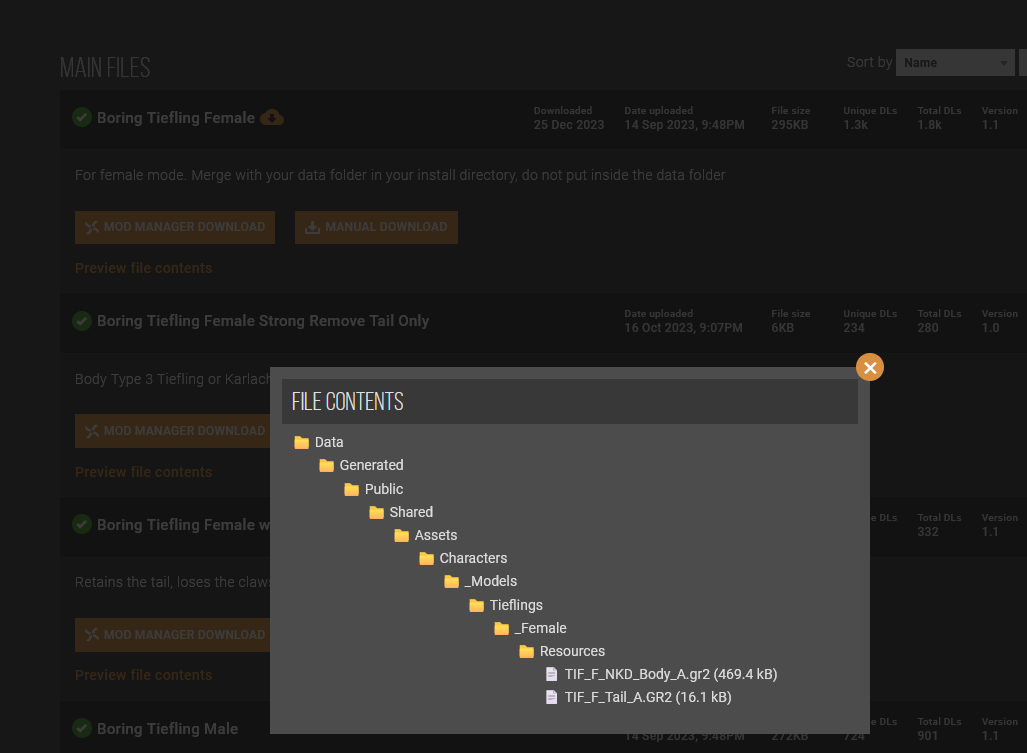
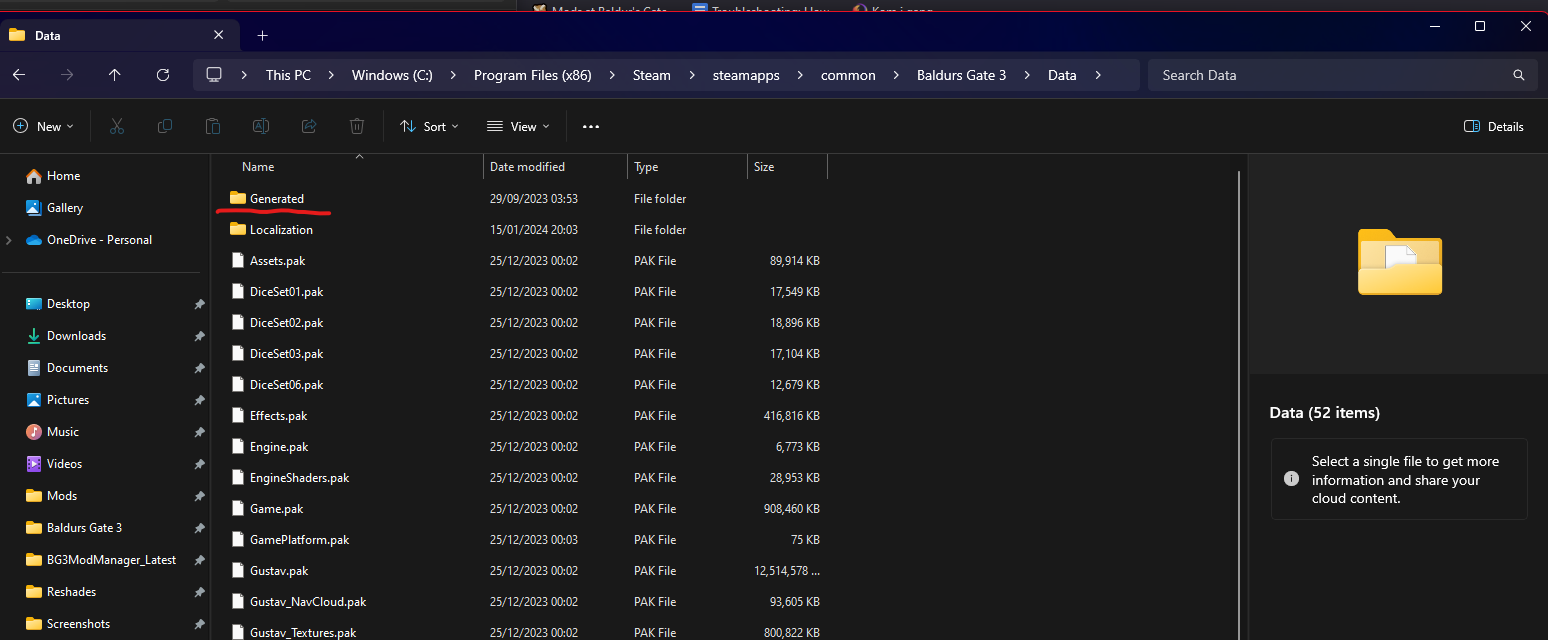
Now go to generated in your data folder:
And then find the folder named BODY:
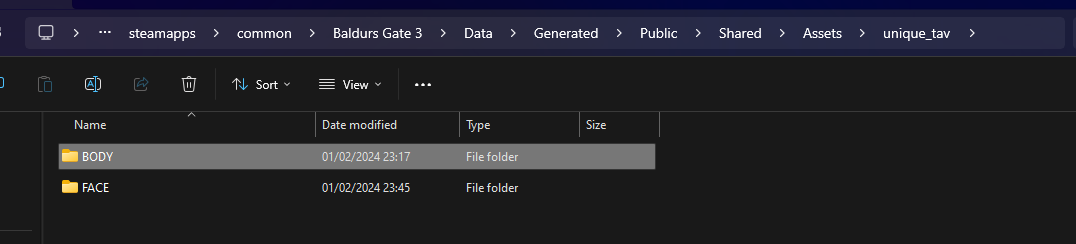
Open the BODY folder
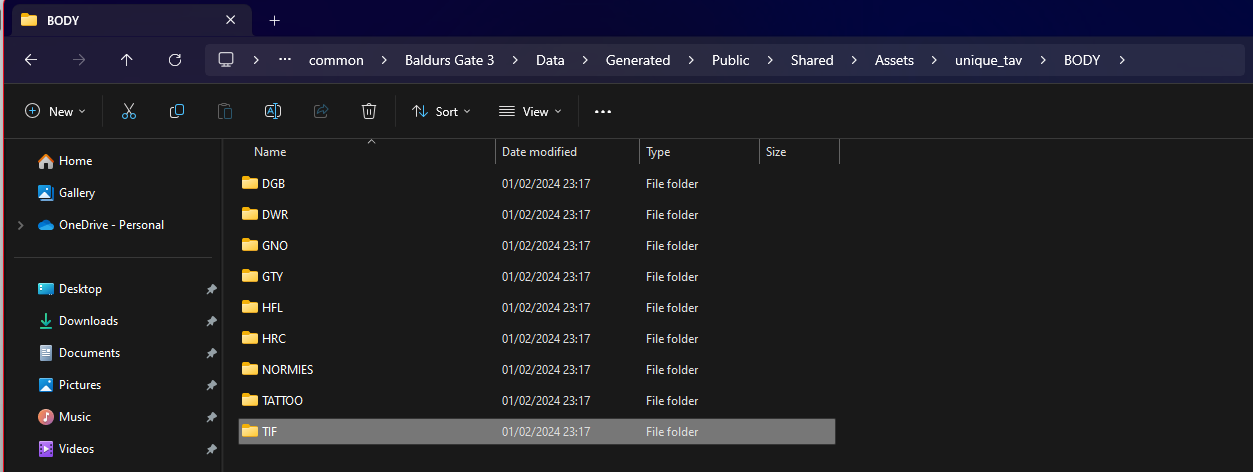
Since Boring Tieflings replaces Tiefling files, you go under the TIF folder
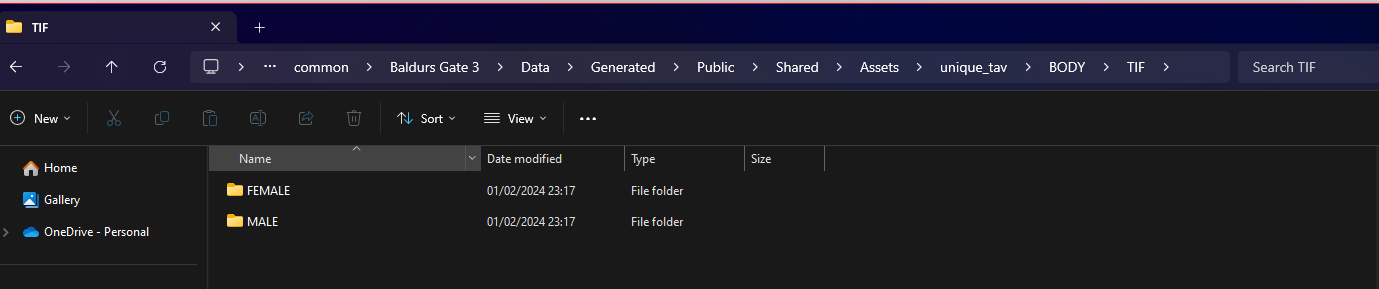
Now depending on which Boring Tiefling file you downloaded, you choose either Male (if you downloaded the file for Boring Tiefling Male) or Female (if you downloaded the file for Boring Tiefling Female)
Note
Remember this is only an example, so do not worry - you do not need to actually do this, but it will be the same concept throughout with ALL mods that replaces textures like these however there is just too many mods to cover them all, so here's a general guide on how to actually do it
I choose the Boring Tiefling female, so I open the “FEMALE” folder:
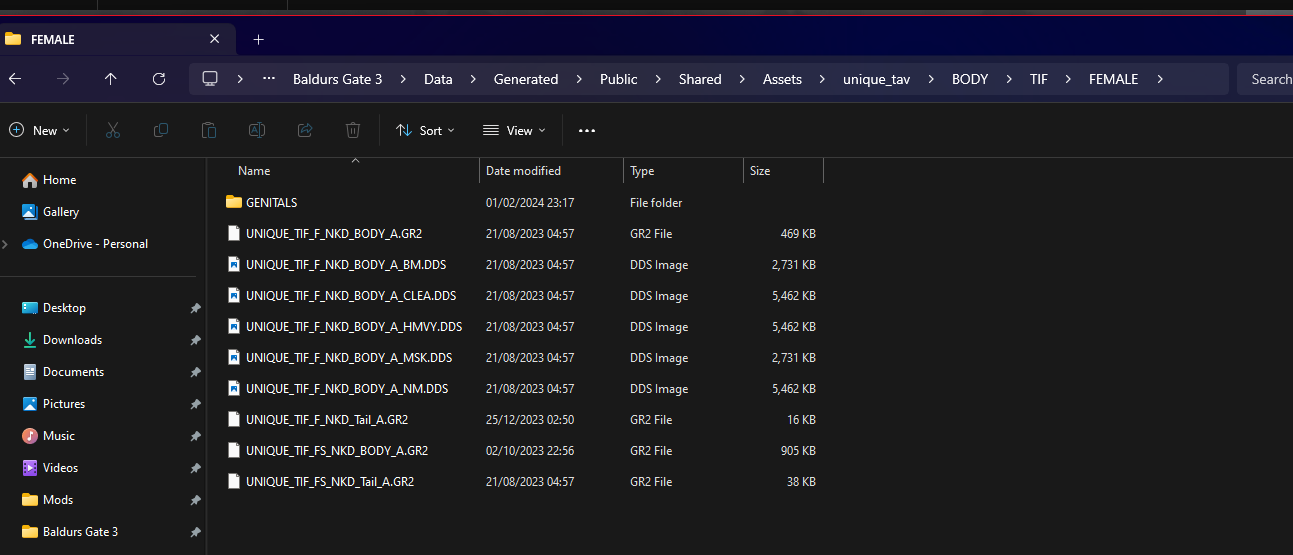
Now from the file preview, I could see that Boring Tiefling had two files:
TIF_F_NKD_Body_A.gr2
and
TIF_F_Tail_A.GR2
You then find the Unique Tav equivalent:
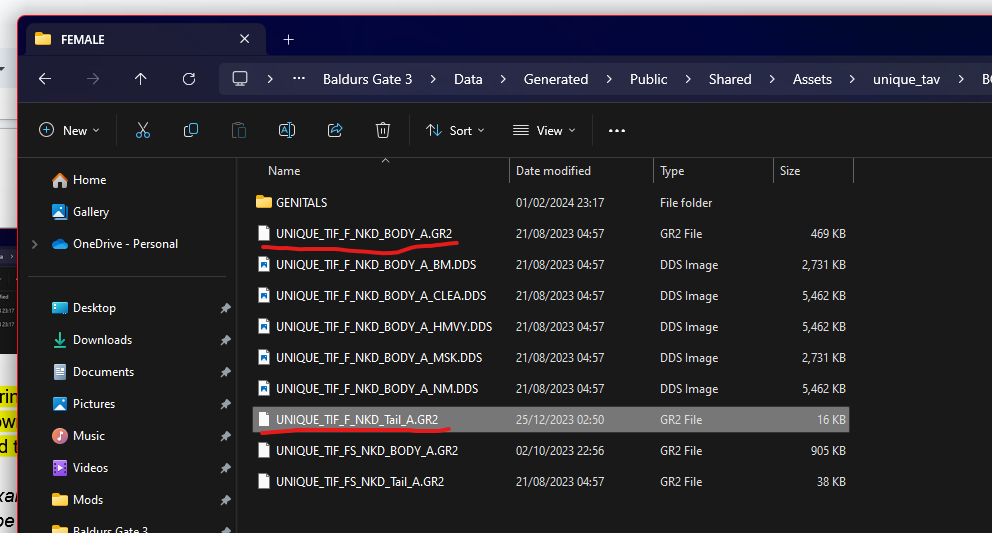
Then rename the Boring Tiefling files from:
TIF_F_NKD_Body_A.gr2 to UNIQUE_TIF_F_NKD_BODY_A.GR2
and
TIF_F_Tail_A.GR2 to UNIQUE_TIF_F_NKD_Tail_A.GR2
Then delete the Unique Tav files and replace them with the new renamed Boring Tiefling files.
Credits:
Maze, Meowcat285
Kartoffel for Unique tav
© Maze 2024, all rights reserved